
APIXX.crew
APIXX.crew is the module for building and operating AI automations. Design multi-step plans in natural language, test them safely, and run them against your authenticated connections. The Dashboard is your control tower.
What APIXX.crew is
Where APIXX.ai answers questions on demand, APIXX.crew does the work by executing multi-step automations against your authenticated connections. It shares the same billing, authentication, and audit framework as the rest of APIXX.
Core concepts
| Concept | Where | What it is |
|---|---|---|
| Automation | /crew/automations | A multi-step plan you can draft in natural language, edit, test, and run. |
| Dashboard | /crew/dashboard | The control tower — KPIs, activity feed, and pending approvals. |
| Chat | /crew/chat | Free-form chat where you interactively design automations with AI and save them. |
| Connector | /crew/connections (catalog) | A supported provider template (HubSpot, Slack, Shopify, …) from your Nango app. |
| Connection | /crew/connections (active) | An authenticated instance of a connector, created via Nango Connect. |
Dashboard
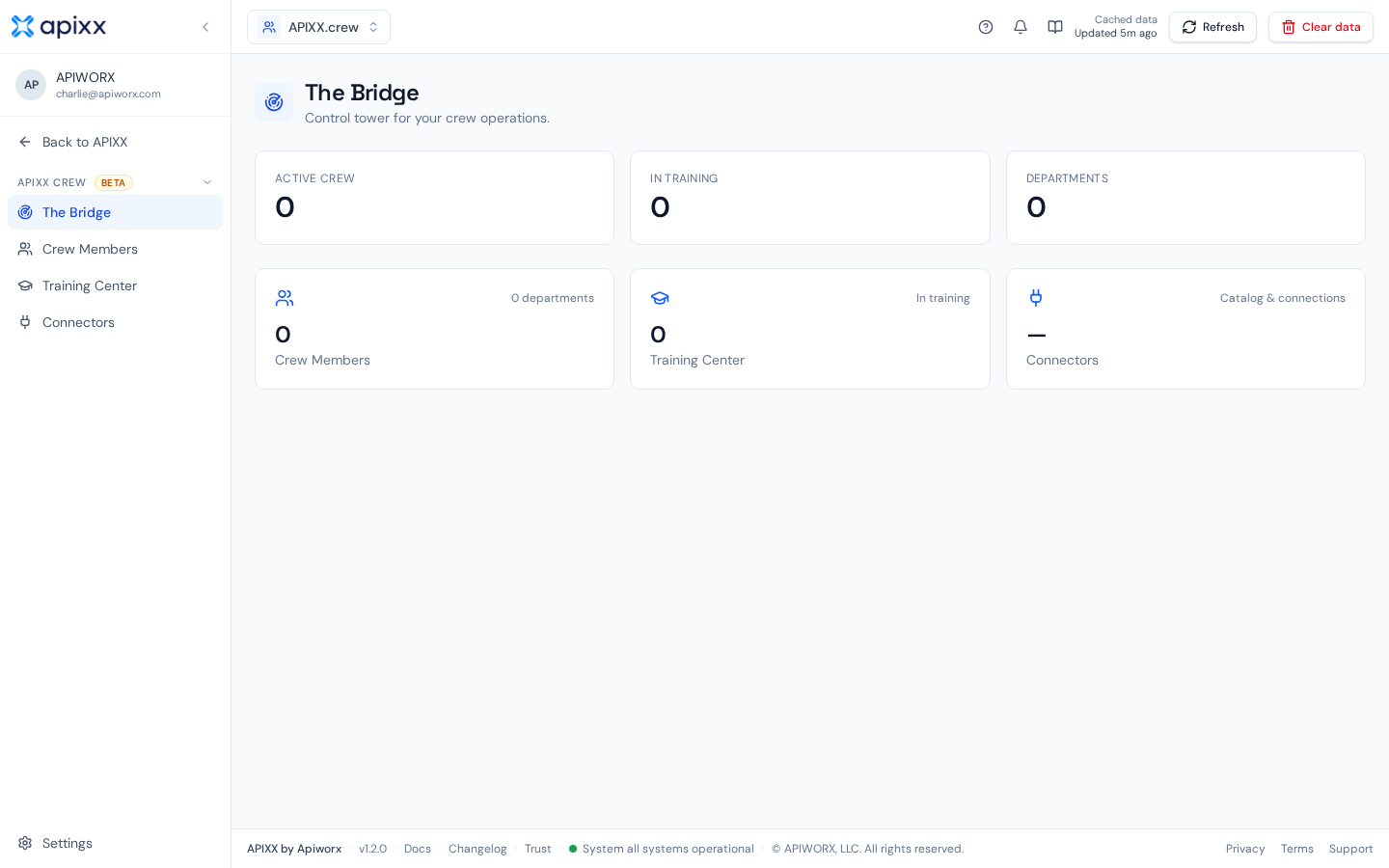
The Dashboard at /crew/dashboard is the single-pane view of your workspace. KPIs, a live activity feed, and the approval inbox show at a glance whether automations are running and healthy.
Automations
Automations live at /crew/automations. Each automation is a multi-step plan you can draft from scratch or draft with AI (with a clarification step to refine the brief). The detail page includes a visual diagram of the plan and a plain-English explanation of what it does. Test runs execute in dry-run mode with no external side effects; real runs write to your connected systems.
Connectors vs Connections
Two related but distinct concepts:
| Term | Meaning | Who sees it |
|---|---|---|
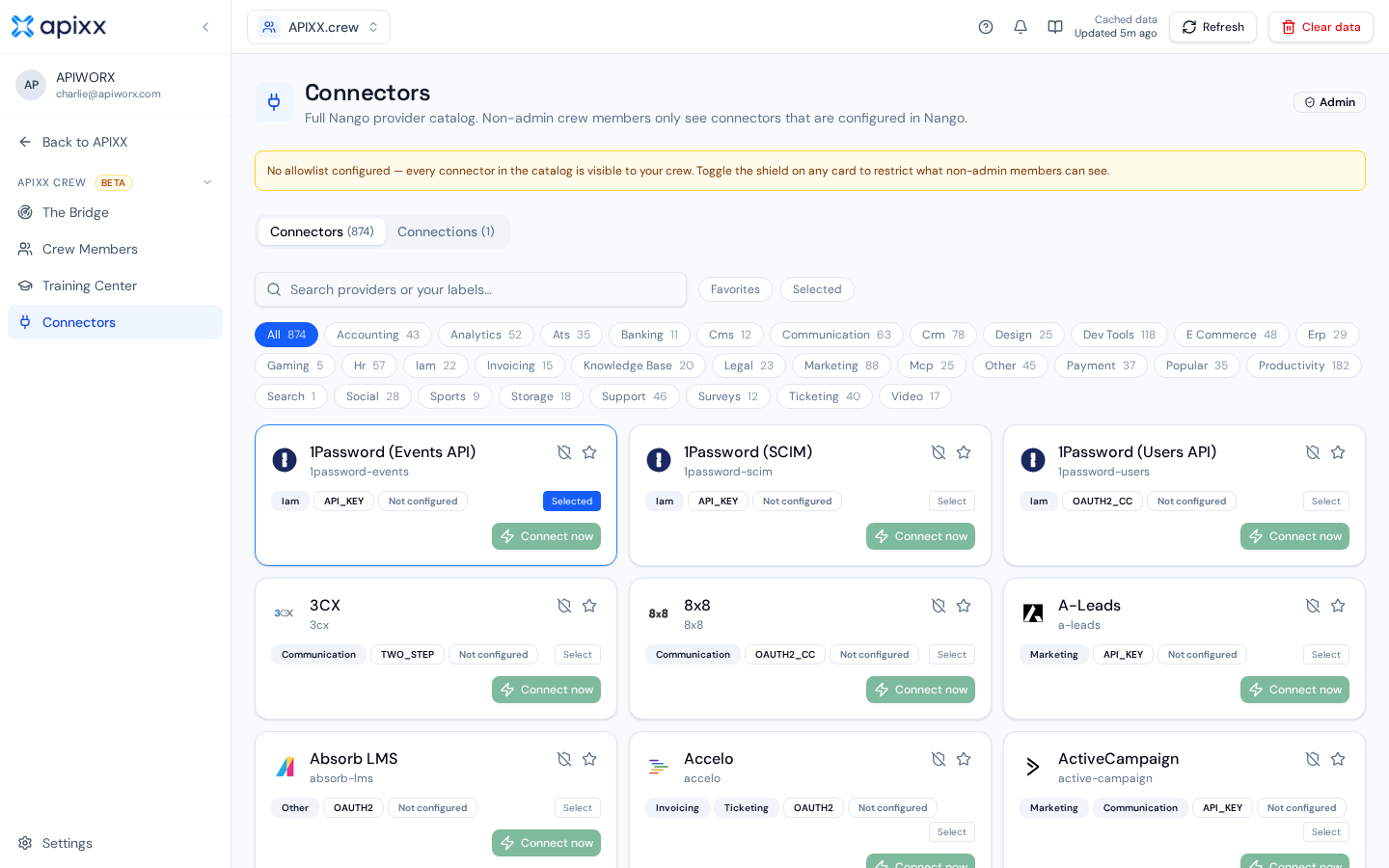
| Connector | A provider template — the definition of what HubSpot / Slack / Shopify integration looks like. | Admins see the full catalog; non-admins only see connectors configured in your Nango app and on the allowlist. |
| Connection | An authenticated instance of a connector, created via Nango Connect. | Everyone in the workspace with access. |
Admin & allowlists
Admins control which connectors are exposed to non-admin users via the connector allowlist. Non-admins only see connectors that have both an active Nango integration and an allowlist entry — this keeps the catalog focused on what your organization actually supports.
Limits & guarantees
- Same billing & auth. APIXX.crew consumes the same plan meters as APIXX.flow / .data / .ai.
- Tenant-scoped. Automations, runs, and connections never cross customer boundaries.
- Audited. Every automation run is logged with the connection used.